

Onboarding
Before you begin using Skima AI, a quick onboarding setup helps configure the platform based on your hiring needs. This ensures that your experience is relevant from the start and aligned with how your team hires.
This process allows Skima AI to understand your organization, your hiring setup, and the scale at which you operate. Based on this, the platform adjusts workflows and guides you toward the most relevant starting point.
Basic Information Setup
When you sign up, the first screen collects key details required to create your workspace.
Information Required
You will be asked to provide:
- First Name
- Last Name
- Organization Type (Corporate or Staffing Agency)
- Organization Name
- Team Size
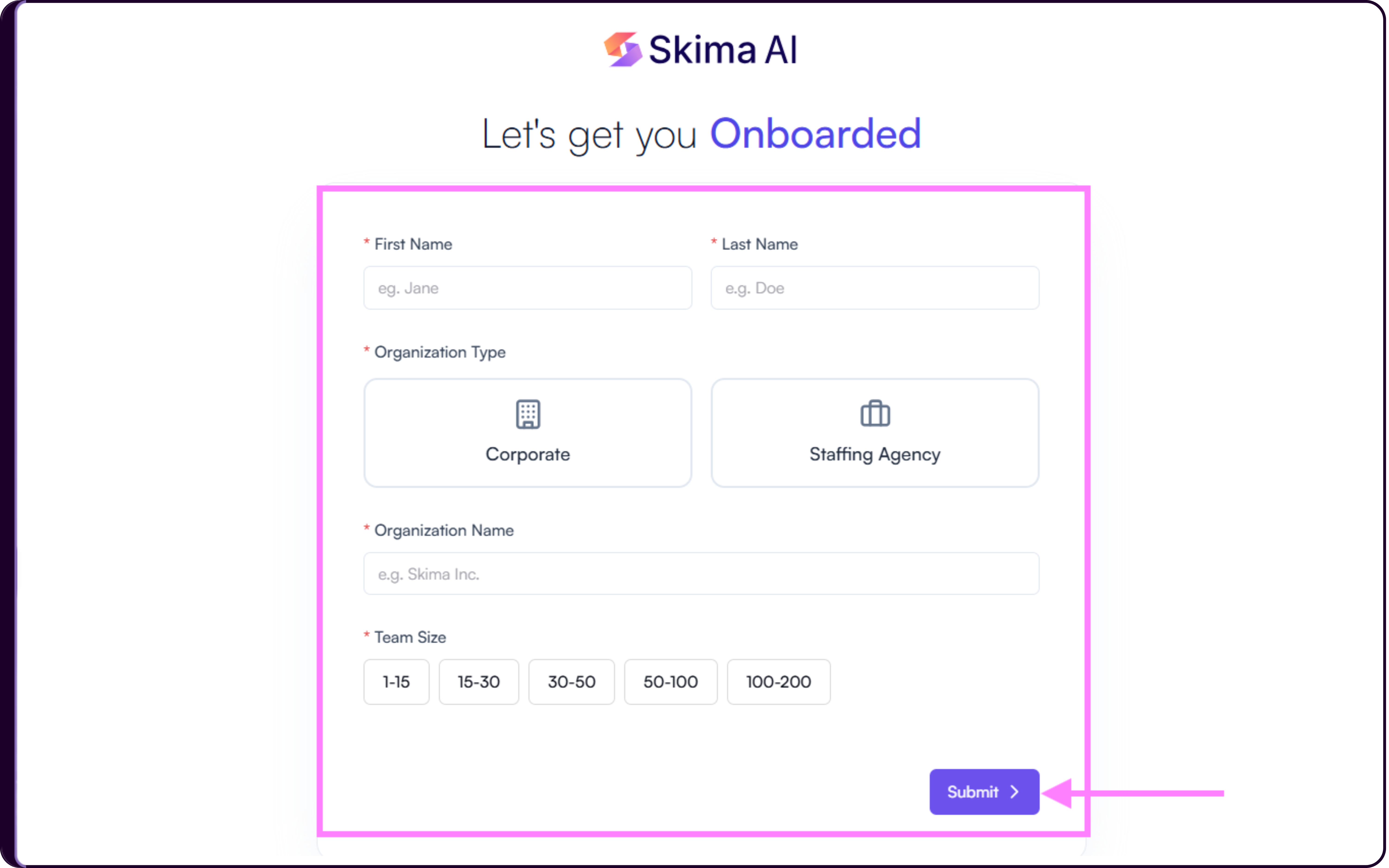
Once all details are filled, click Submit to continue.
This information is used to set up your account and tailor the initial experience inside the platform.
Choosing Your Starting Point
After submitting your details, you will see a welcome screen that helps you decide how you want to begin using Skima AI.
You will be asked:
"What would you like to explore first in Skima AI?"
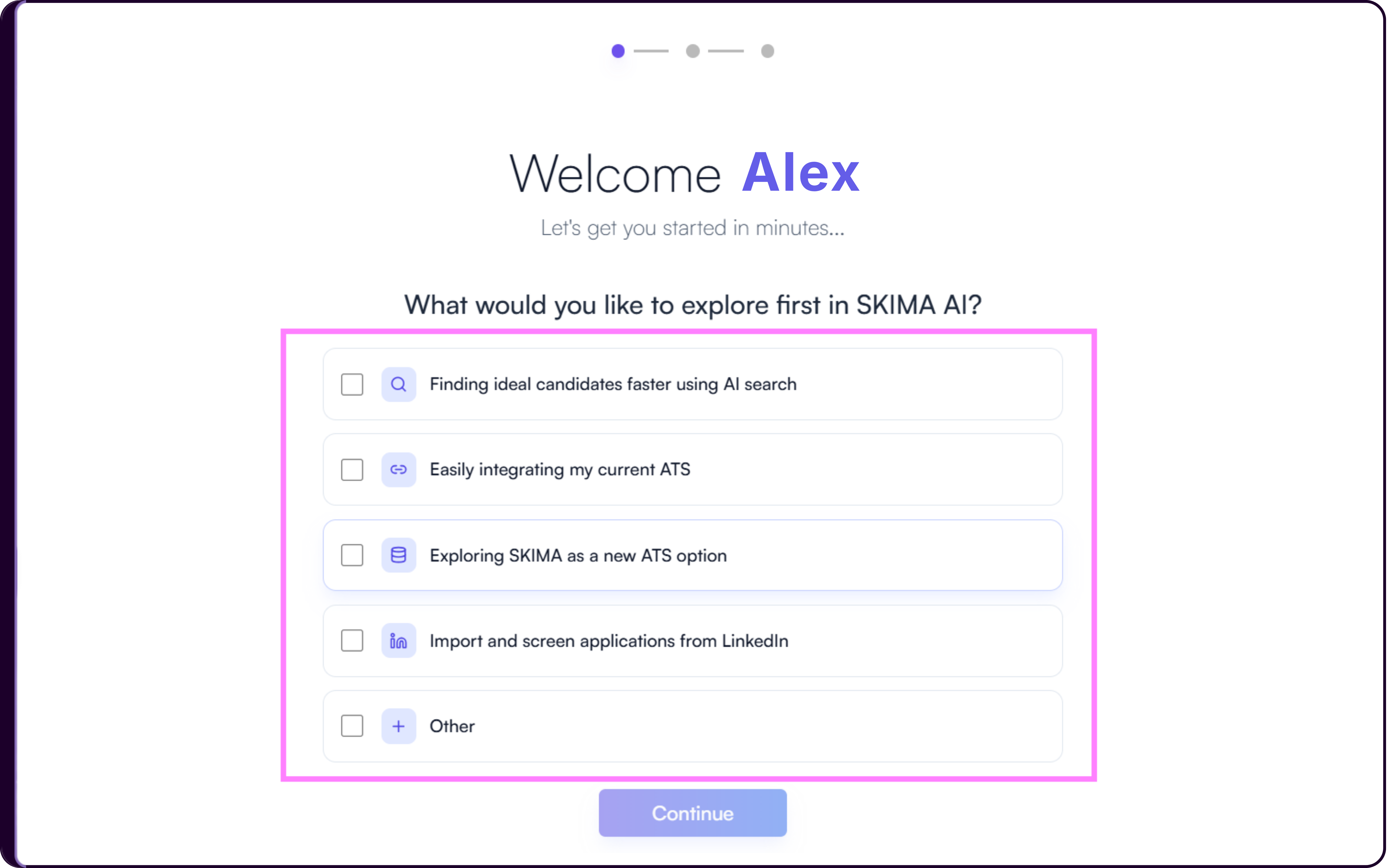
Available Options
Finding Ideal Candidates Faster Using AI Search
Select this option if you want to explore how Skima AI helps you search, match, and shortlist candidates using AI.Easily Integrating My Current ATS
Select this option if you want to connect your existing ATS and start working with your current hiring data inside Skima AI.Exploring Skima as a New ATS Option
Select this option if you want to explore Skima AI as a central hiring workflow for managing jobs, candidates, and screening.Import and Screen Applications from LinkedIn
Select this option if your focus is on bringing LinkedIn applicants into Skima AI and screening them automatically.Other
Select this option if your use case is different. You can enter your requirement, and the platform will guide you accordingly.
Starting with Demo Data or Your Own Data
For search and ATS-related flows, you will be asked how you want to begin your first experience.
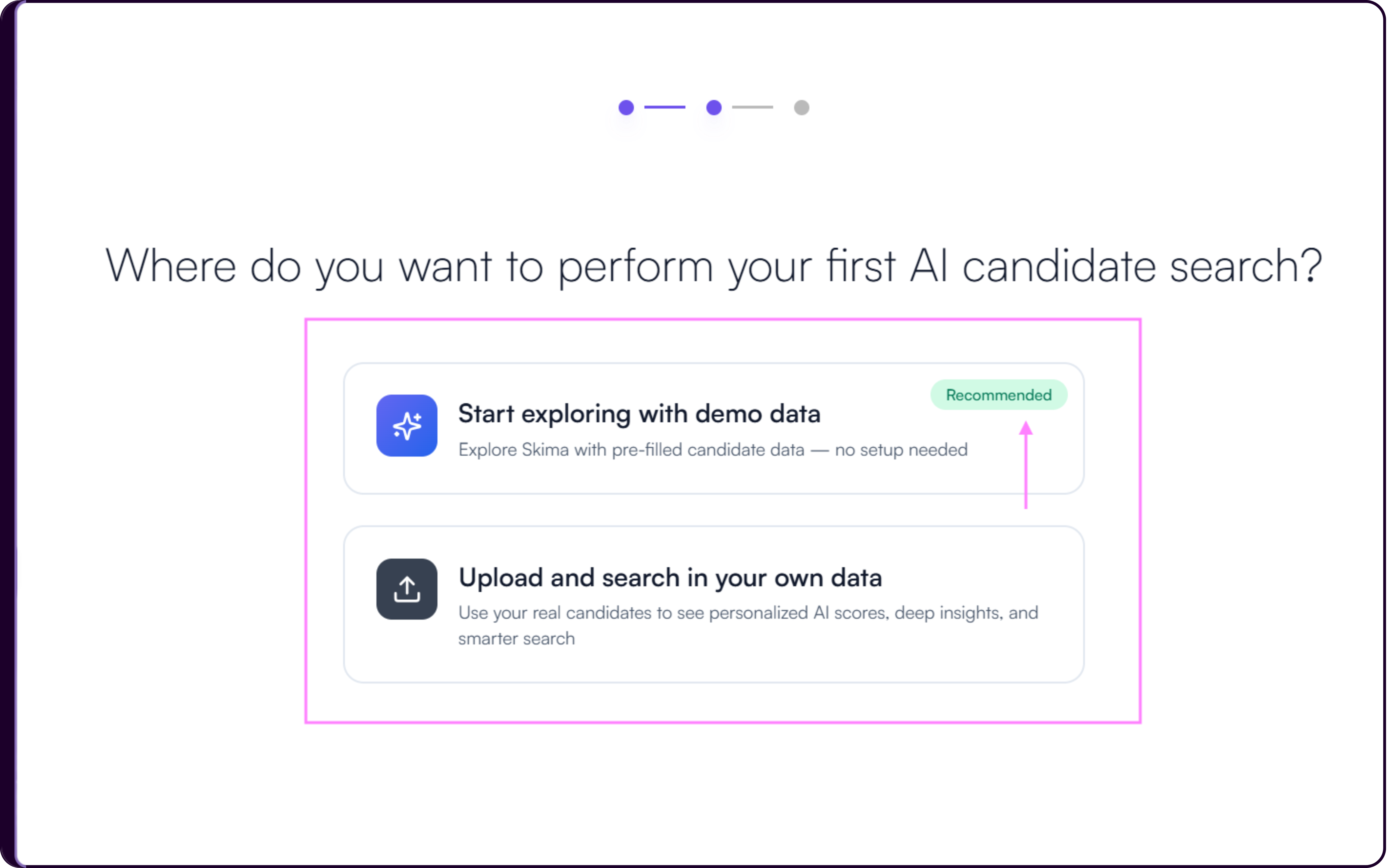
i. Start Exploring with Demo Data
This option allows you to explore Skima AI using pre-filled candidate data. It is useful if you want to understand how search, scoring, and insights work without setting up anything.
ii. Upload and Search in Your Own Data
If you select Upload and Search in Your Own Data, you will be directed to a setup screen that helps you bring your candidate data into Skima AI.
Upload Resumes
You can upload candidate resumes directly into Skima AI in batches.
- Batch upload multiple files
- AI extracts candidate details such as skills and experience
- Profiles become searchable instantly
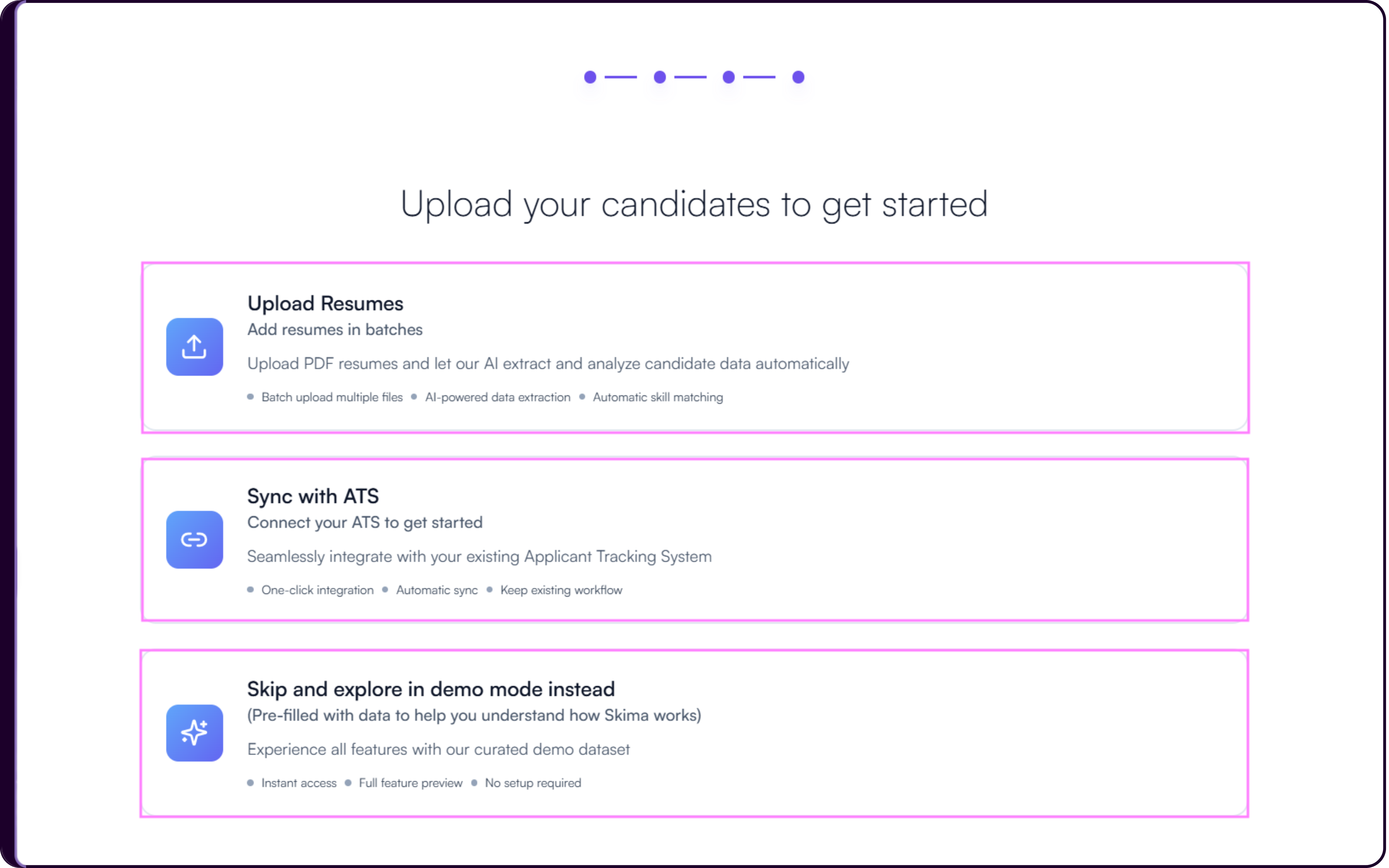
Sync with ATS
Connect your existing ATS to import candidate data directly.
- One-click integration
- Automatic sync
- No workflow disruption
Skip and Explore in Demo Mode
Use demo data to explore features without setup.
- Instant access
- Full feature preview
- No configuration required
This option allows you to upload your actual candidate data. Skima AI will then generate scores, insights, and matches based on your real hiring data.
Importing Applications from LinkedIn
If you choose to import and screen applications from LinkedIn, you will be shown multiple ways to bring candidate data into Skima AI.
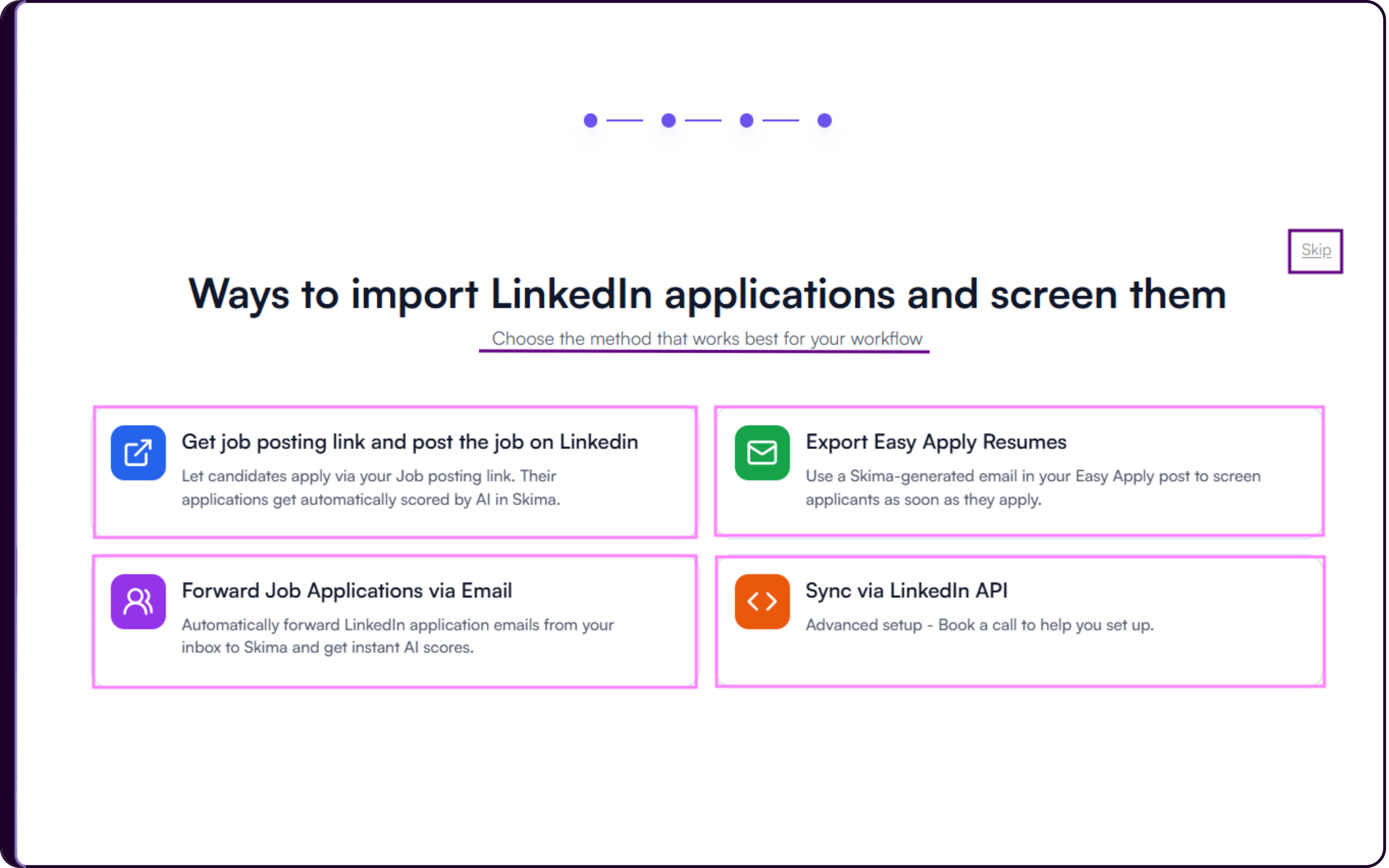
i. Get Job Posting Link and Post on LinkedIn
Use a Skima-generated job link and share it on LinkedIn. Candidates applying through this link are automatically captured and scored.
ii. Export Easy Apply Resumes
Use a Skima-generated email in your Easy Apply job post. Applications received through this method are automatically screened and scored.
iii. Forward Job Applications via Email
Set up email forwarding from your inbox to Skima AI. LinkedIn application emails will be processed and scored automatically.
iv. Sync via LinkedIn API
This is an advanced setup option. You can book a call to configure a direct integration with LinkedIn.
Accessing the Dashboard
Once you complete your selection, you will be redirected to the Skima AI dashboard. From here, you can start using the platform using demo data if selected in the previous steps or start your journey with the actual data you hold.
What You Will See First
The dashboard includes an AI-powered search bar that acts as the starting point for exploring candidates, running searches, and interacting with your hiring data.